Reader

Read any tech blog
in your language.

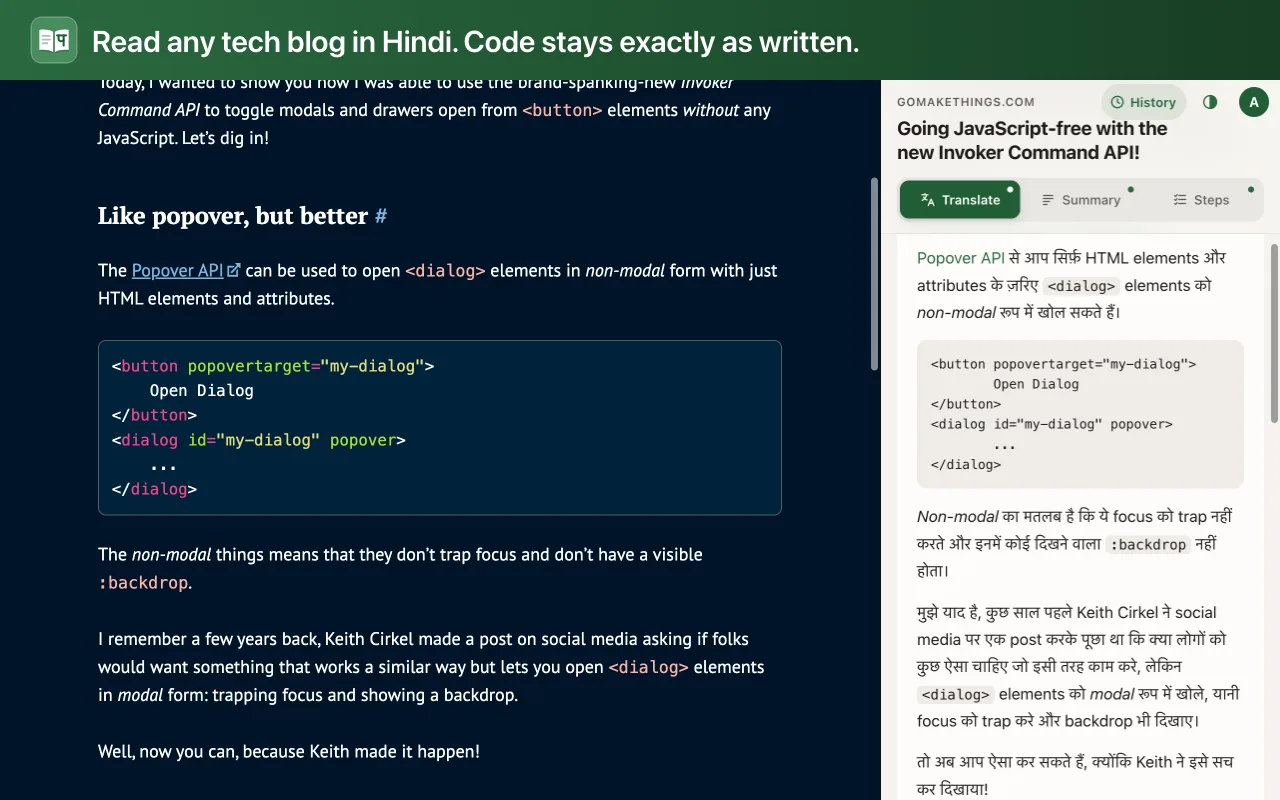
Reader is a Chrome extension that translates technical articles while keeping the author's meaning, the tech vocabulary and every line of code exactly as written.

  • हिन्दी
  • ਪੰਜਾਬੀ
  • தமிழ்
  • తెలుగు
  • English
  • Español
On the Chrome Web Store soon. Free to use.
Reader's side panel showing a JavaScript article translated into Hindi, with its code block unchanged

Translate, summarise, act.

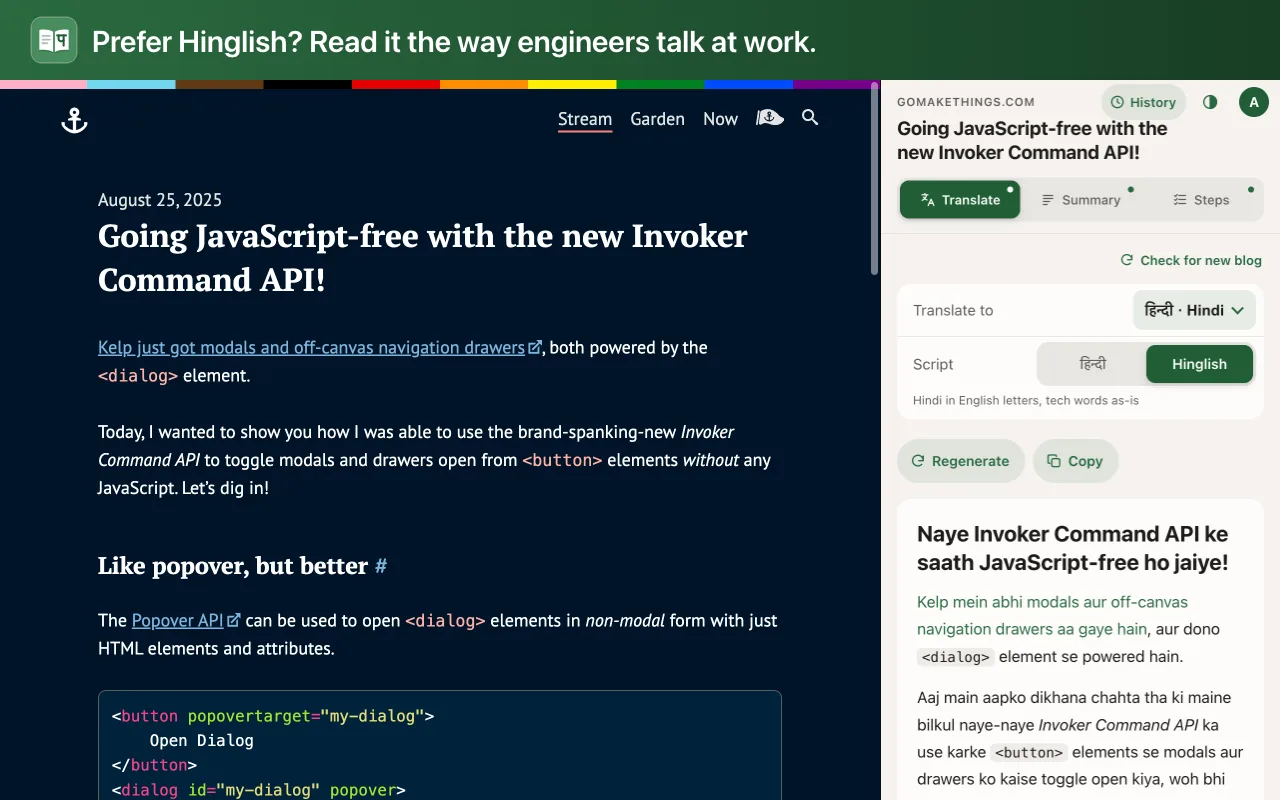
An article translated into Hinglish

Translate

The whole article, section by section. Pick the native script or the way engineers actually talk: Hinglish, Tanglish, Tenglish, Punglish.

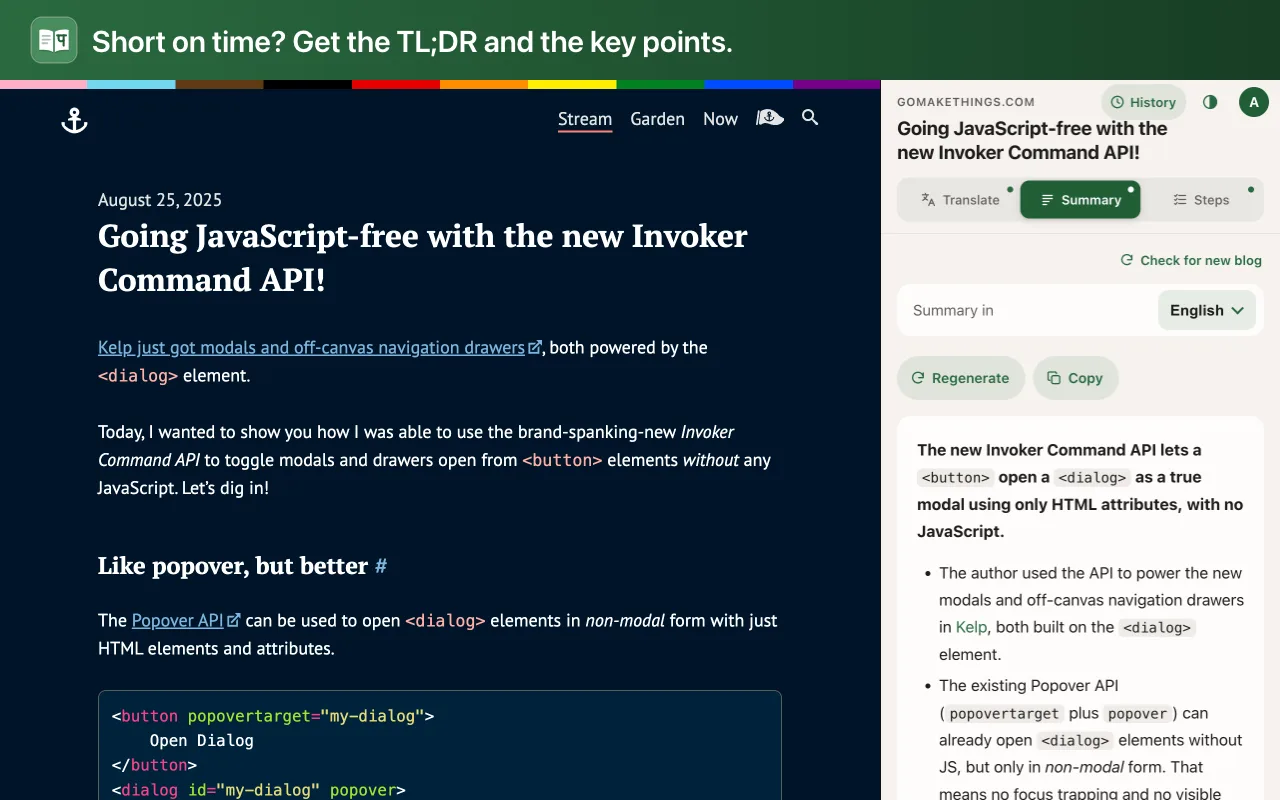
A summary with TL;DR and key points

Summary

A TL;DR, the key points, and who should read it, so you know in seconds if the post is worth your time.
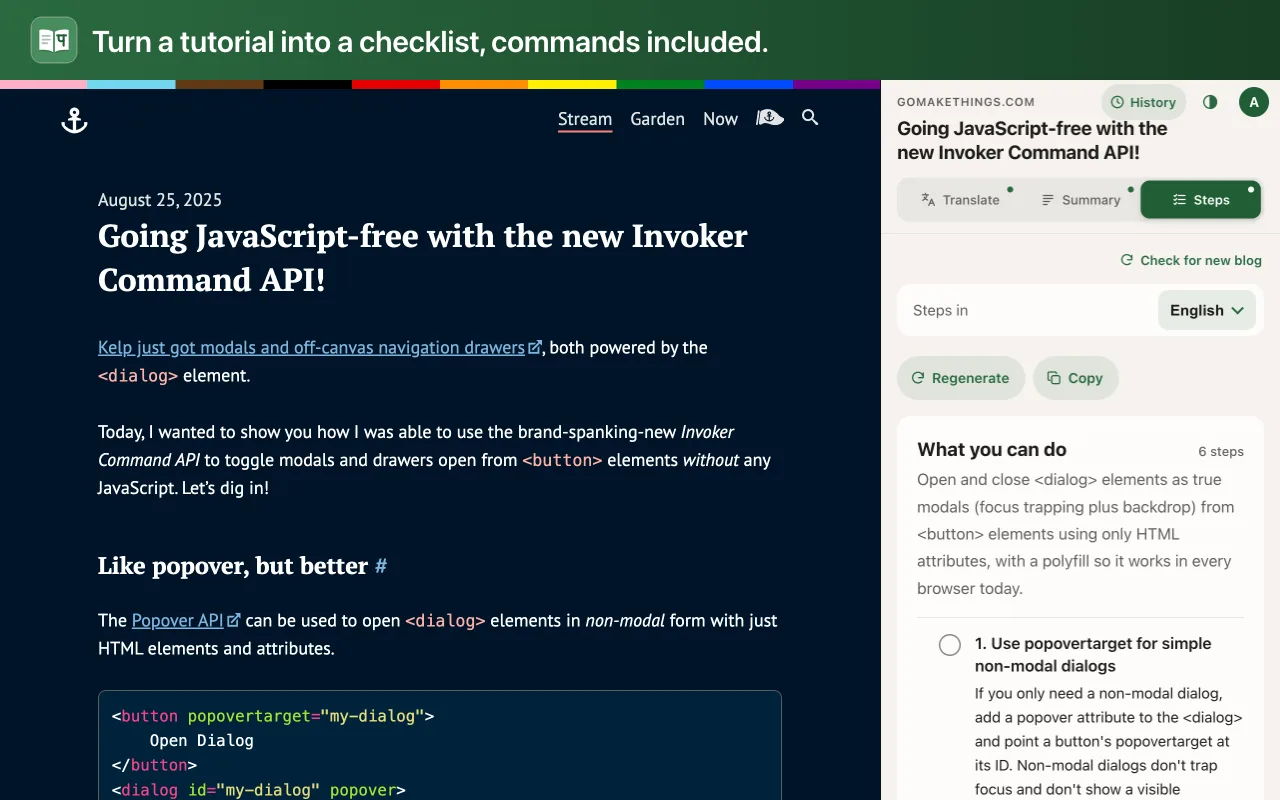
A checklist of steps with commands from the article

Steps

A checklist of what to do, with commands copied from the article and the sentence each step came from.

  • Code is never touchedCode blocks, commands and API names stay byte-for-byte as the author wrote them.
  • Works in a side panelClick the Reader icon on any blog post. The page stays where it is; the translation sits beside it.
  • History, no passwordPick a username and every result is saved, with a link back to the blog.
  • No ads, no trackingNothing is sent until you press a button. Read the privacy policy.